About
Professor Selector is a data analytics tool designed to help you quickly gather information about professors for your current or upcoming courses. By leveraging metrics from various platforms, Professor Selector enables you to make informed decisions when building your semester roster.
If you encounter any issues or have questions, feel free to reach out through via email at hello{at}rithvik.pro.
© 2024 Xeno Industries LLC. Donate

How To Use
The goal of ProfessorSelector is to help you create a roster for the current or upcoming semester by selecting the professors you'd like to register with. If your top choice is unavailable, you can choose from your next preferences. The application displays relevant metrics to assist you in your research and decision-making process.
Follow these steps to effectively use the Professor Selector application.
1. Search for a Course
Start by searching for a course using the search bar.
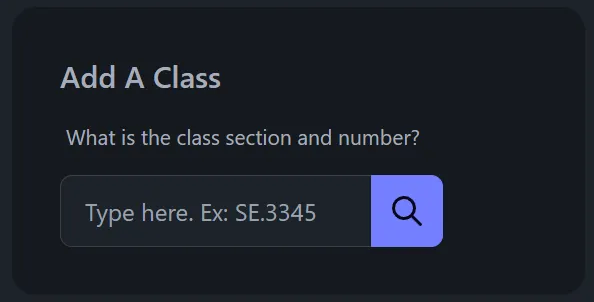
- Action: Type the course name into the search field and click the Search button.
2. Add the Course to Your Roster
Once you've found the desired course, add it to your roster.

- Action: Click the + button next to the course to add it to your roster.
3. Select Your Preferred Professors
Choose your top three professors for the course.

- Action: Use the checkboxes to the left of each professor's name to select your first, second, and third choices.
- Note: You can select up to three professors. If you attempt to select more, a warning message will prompt you to unselect a choice before adding another.
4. View and Manage Your Roster
After selecting your professors, navigate to your roster to review your choices.
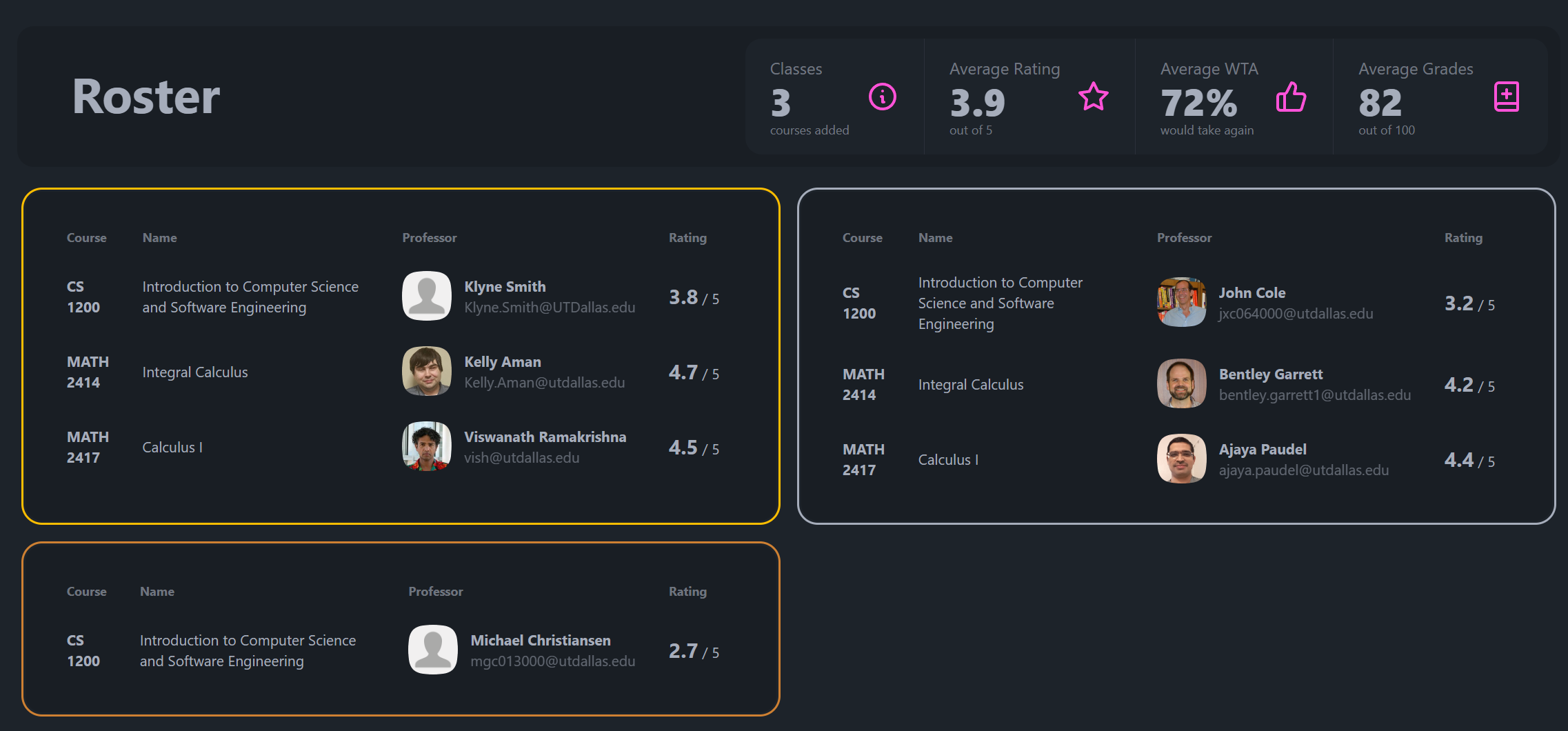
- Action:
- On Mobile: Tap the hamburger menu and then the Home button in the top right of the courses menu.
- On Desktop: Click the Home button directly in the courses menu.
- Outcome: You'll be directed to the roster page where you can view your selected professors and access additional metrics to further inform your decisions.